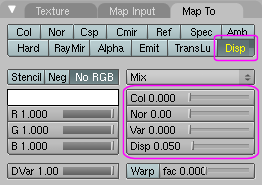
The advantage of displacement maps in Blender is: They are pretty easy to make. You only need a bumpmap texture as greyscale image (like a heightfield: brightness is the amount of distortion), which you add to the material as second texture, and map the "UV" input to the "Disp" output (activate the "Disp" output map once for outward changes, twice {yellow flag} for inward changes). Good displacement factors are possibly around 0.02 in this case (the second has factor 0.05).
The great disadvantage is: Only vertices are displaced, not the texture or surface distribution. That means: You can't have one 4-vertex square per side, texture, and displacement map for the inside of the square ... instead, your model will contain a million vertices and tiny squares, as a result of repeated subdivision. A pretty waste of data.
__
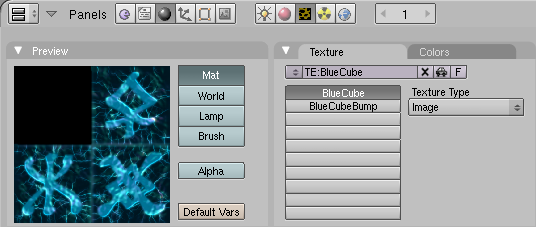
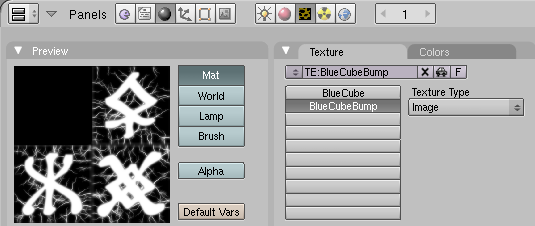
__

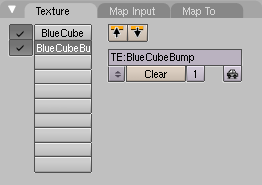
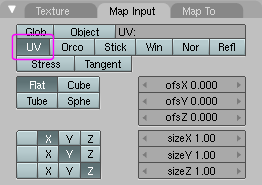
__
It is well possible that I missed a much better way to do it. I discovered this technique on my own, but I will look around and read if there is a better way.
__
P.S.:
I found that it may be a good idea to enable "Sub Surfacing" for the mesh, so the model does not need to store the million vertices in the file, instead they are generated only during the render phase, temporarily.
